Frictionless Installs, Remote Access, and Multi-Instance Launching
Getting local AI tools running on your machine can be a daunting experience, often involving complex GPU driver setup, model file downloads, and configuration editing. In this release cycle, we focused on making Memo completely frictionless to install, run, and connect to, whether you are on Linux, macOS, or Windows.
1. One-Line Installers
We launched new one-line curl/IRM shell scripts hosted directly on download.bugradev.com:
- Linux/macOS:
curl -fsSL https://download.bugradev.com/install.sh | sh - Windows (PowerShell):
irm https://download.bugradev.com/install.ps1 | iex
These scripts auto-detect your CPU architecture, locate your default bin directories, install the pre-compiled memo binary, and set up your system path automatically.
2. Multi-Instance Attachment (No more port-binding conflicts!)
In previous releases, launching Memo when an instance was already running would result in a port binding crash on :8090. We have rewritten the bootstrap launchers:
- The Linux/macOS launcher
run_memo.shand the Windows native launchers now detect if a backend instance is already running on the configured port. - If a backend is running, the new launcher attaches to the running daemon instead of attempting to spin up a duplicate backend. This allows you to have multiple GUI windows or CLI terminals sharing the same local LLM engine context without interference.
3. Remote Access via /remote
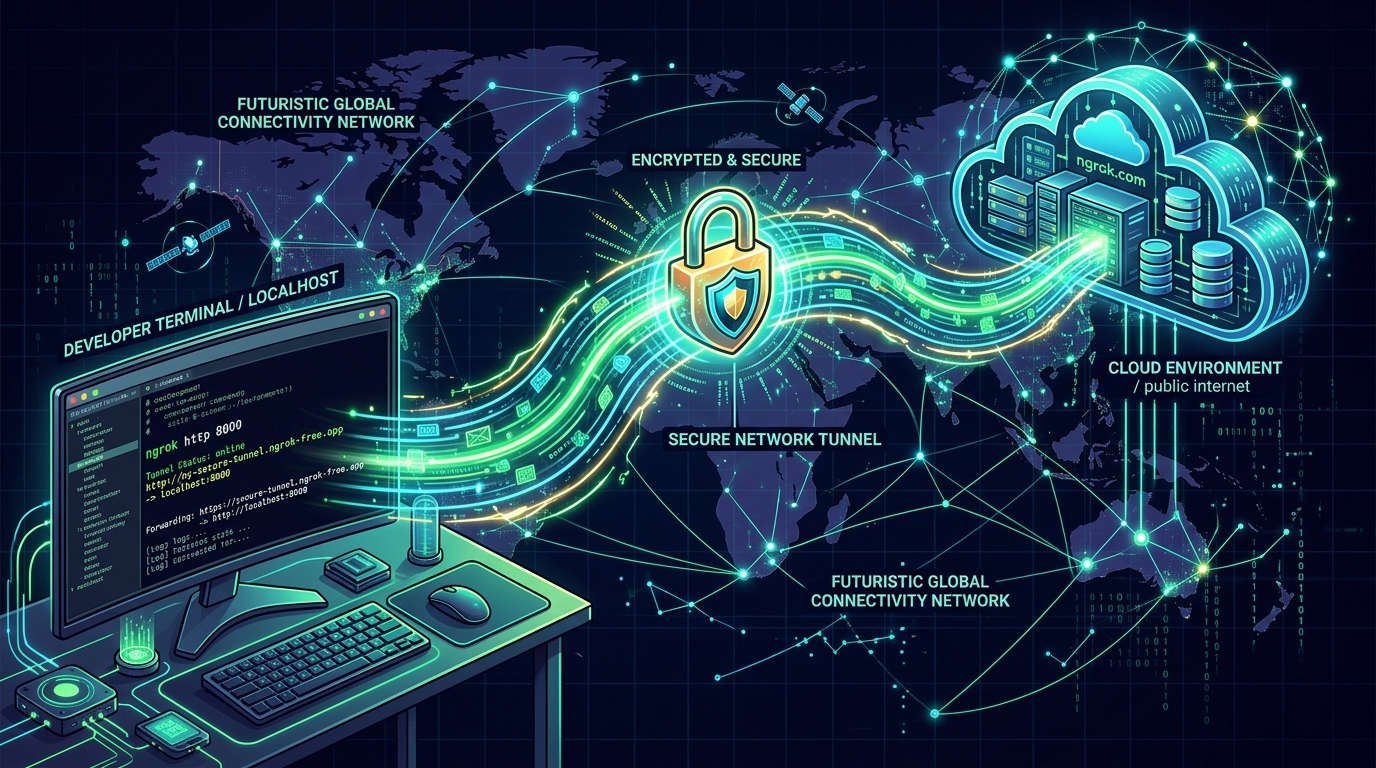
Want to access your local models and memory from your laptop or phone while on the go? We've integrated an ngrok tunnel directly into the CLI and backend.
Simply type /remote in the REPL (or open the remote settings in the GUI) to spin up an ephemeral, secure public tunnel. The UI will instantly display your new public URL and generate a QR code for quick scanning. Furthermore, LAN discovery allows other devices on your local network to auto-fill the connection details.