July 5, 2026 · Buğra Akdemir
Memo v3.1.2: Terminal CLI and Autonomous Task Loop
releasecliagents
Memo v3.1.2: Introducing the Terminal CLI and Autonomous Task Loop
We are excited to share Memo v3.1.2, a release packed with features that bring the power of Memo straight to your command line and automate complex, multi-step agent tasks.
Here are the major updates in this release:
💻 Introducing the Memo CLI (Claude Code Style)
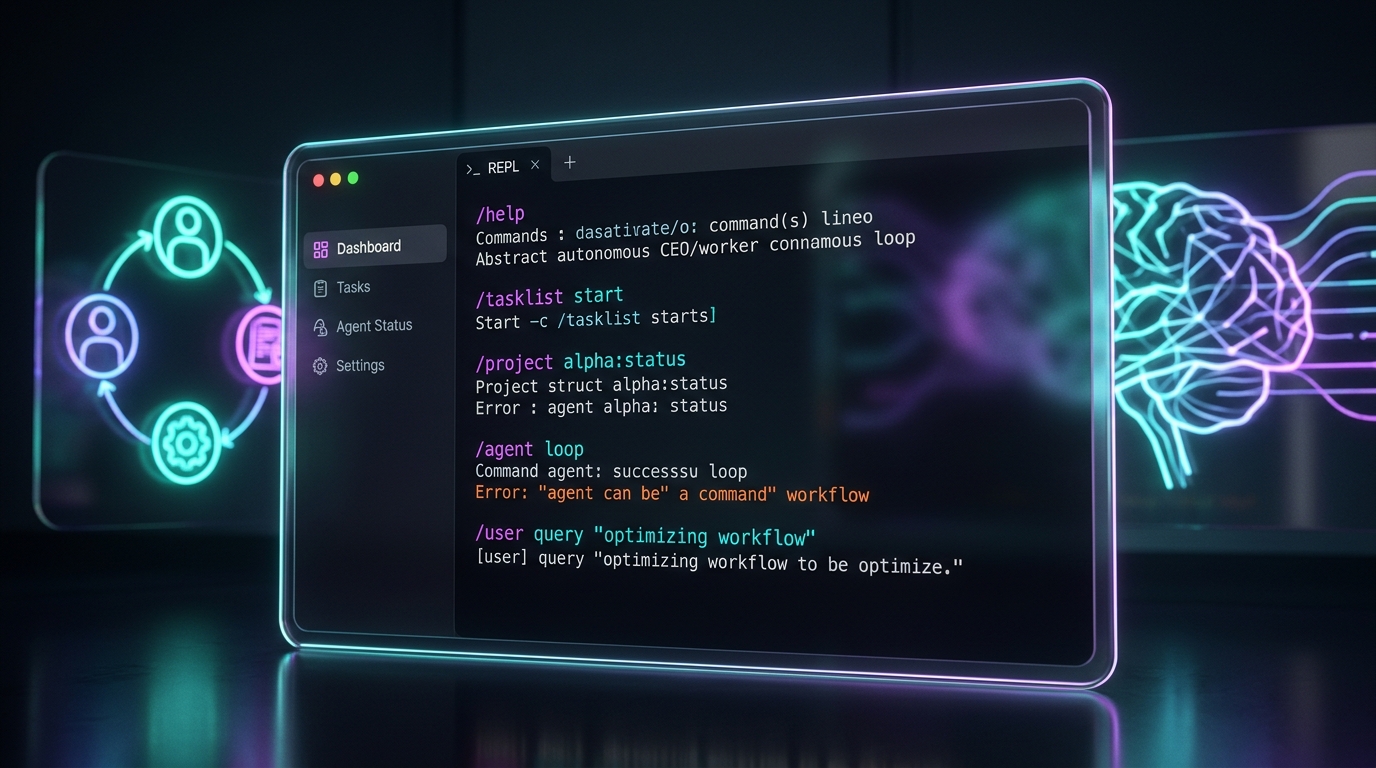
You can now run memo from an interactive terminal to enter a full chat REPL experience, designed after Claude Code's terminal UX.
- Live Composer & Command Menu: A raw-mode line editor with Up/Down input history and cursor editing. Type
/to open a command dropdown menu immediately without pressing enter. - Persistent Conversations: Closing the terminal no longer means losing your chat history. The CLI automatically remembers the most recent chat in your current project directory and resumes it on startup.
- Agent Mode in the Terminal: Approve or deny agent tools directly inside your terminal stream!
- Slash Commands:
/help— Show all commands./models&/model [name]— Switch local LLMs./model-download [query]— Search and download GGUF models directly from Hugging Face with an in-place progress bar./gui— Launch the desktop app alongside the CLI, both connected to the same backend./session— Switch or reset conversation logs.
🔄 Autonomous Task Loop (CEO/Worker Loop)
Memo can now execute complex projects autonomously using a double-agent design pattern.
- Create a task list via
/tasklist create <title> <items...>or via the desktop UI under Settings → Task Loop. - Launch it via
/tasklist start <id>. - A Worker LLM executes each item, while a CEO LLM reviews the output. The loop iterates up to 5 times per task if feedback is provided by the CEO, marking tasks as stuck if they time out.
- While the loop is running, agent permission prompts are bypassed, allowing the agent to chain multiple tool calls uninterrupted.
- Monitor progress via
/tasklist show <id>or through the Flutter desktop interface.
🛠️ Reliability & Performance Improvements
- Redirection of
llama-serverstdout/stderr to a dedicated log file to keep the interactive terminal clean. - Fixed path searches for the bundled
llama-serverandvec0/sqlite-vec modules on local CLI installations. - Fixed dynamic model starts and process races with up to 3 automatic retries for the embedding server.
- Faster backend shutdown (bounded to 15 seconds) with parallel cleanup of independent subsystems.
Thank you for using Memo. Download the latest version from memo.bugradev.com and give us your feedback on GitHub!