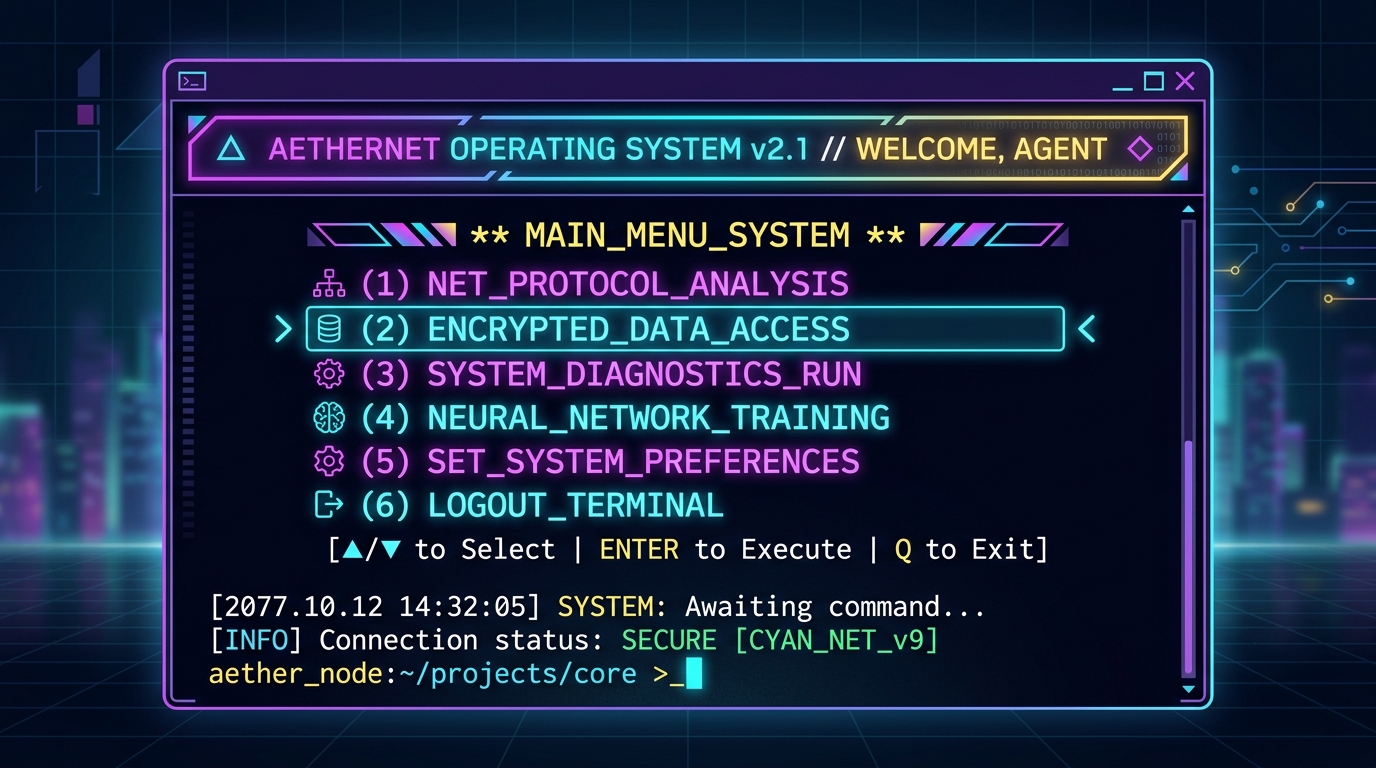
Say Hello to the Command Line: Introducing Memo's Terminal REPL
We are excited to share a major evolution in how you can interact with Memo. While Memo started primarily as a native desktop application with a clean Flutter-based user interface, we realized that power users and command-line enthusiasts spend a large portion of their day directly inside terminal windows.
To bridge this gap, we've designed and built a highly interactive, terminal-first REPL CLI that functions similarly to advanced AI shells (like Claude Code) while maintaining Memo's core local-first privacy promises.
The CLI Architecture
The terminal REPL acts as a headless client communicating with the Go backend via standard REST endpoints and Server-Sent Events (SSE) for token streaming.
Here are the key highlights of the new terminal interface:
- Interactive Command Menu: Type a bare
/or press arrow keys to browse through available slash commands with instant, live auto-completion. - Rich Terminal UI: A custom two-tone welcome banner, real ASCII block-letter graphics, a sleek thinking spinner, and a beautiful typewriter-style reveal effect for streaming responses.
- Path Integration: The Memo CLI is automatically added to your system
PATHon Linux and Windows packages during installation. When run in an interactive shell, Memo launches the REPL loop by default; in non-interactive/headless environments, it starts the headless API server. - Keyboard Shortcuts: Built-in command line editor featuring single-line edit capabilities, instant cancellation via
EscorCtrl+C, and screen clearing with/clear.
Under the Hood
We've introduced several major components to power this terminal shell:
internal/replcli/: The client engine handling the REPL loop, text input processing, escape sequence handling, and SSE stream parsing.AgentEventEmitters: A structured event stream from the backend that broadcasts agent progress (e.g.,memory:savedevents, tool executions, and step updates).- Custom
logxredirection to prevent backend server logs from leaking into and corrupting the interactive terminal stdout.
You can now start the REPL with a single terminal command:
memo
If the backend is not running, it automatically boots up in the background. If a server is already listening on :8090, the CLI attaches to it seamlessly.