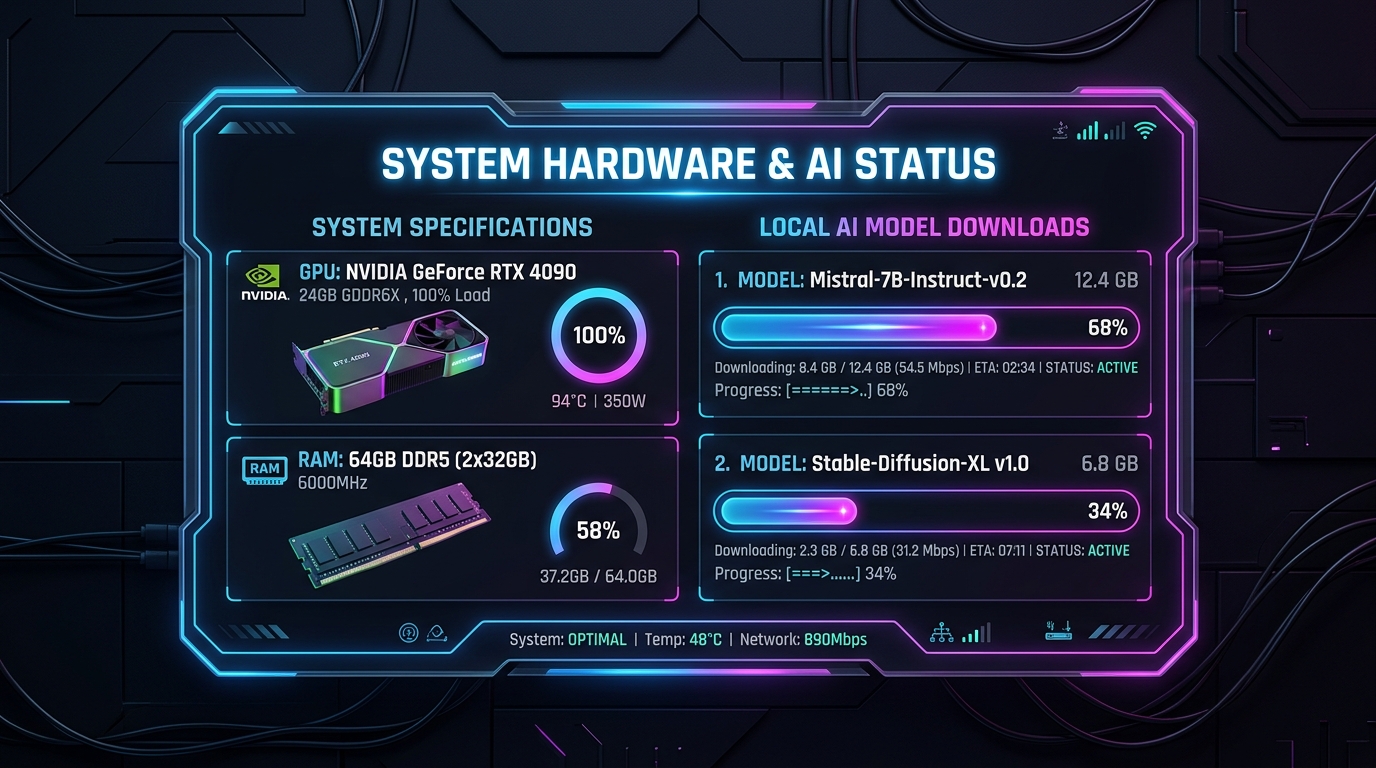
Speeding up Local AI Setup: Hardware-Aware Recommendations and Concurrent Downloads
Speeding up Local AI Setup: Hardware-Aware Recommendations and Concurrent Downloads
Setting up local LLMs is usually a frustrating experience. You have to figure out how much RAM you have, look up your GPU's VRAM, search through dozens of Hugging Face repositories, figure out what a quant file like Q4_K_M or Q5_K_S means, and then download it. And if you want RAG memory, you also have to search for and download a separate embedding model.
To make Memo fully plug-and-play, we decided to automate all of this during the onboarding flow. The latest version introduces hardware-aware model recommendations and support for concurrent downloads.
🧠 System Detection & Hardware Fitting
Instead of forcing users to guess which model size will run smoothly, the frontend now queries the backend for system specifications (GPU name, VRAM, and system RAM). Using these details, it runs a heuristic to check how well a model will fit in memory:
HardwareFit hardwareFit(double approxBytes, GPUInfo gpu) {
  final gb = approxBytes / (1024 * 1024 * 1024);

  if (gpu.hasGpu && gpu.vramTotalMb > 0) {
    final vramGb = gpu.vramTotalMb / 1024;
    if (gb < 0.9 * vramGb) return HardwareFit(FitLevel.good, 'Runs fast on GPU');
    if (gb < 1.4 * vramGb) return HardwareFit(FitLevel.ok, 'Runs on GPU + CPU');
  }

  if (gpu.ramTotalMb > 0) {
    final ramGb = gpu.ramTotalMb / 1024;
    if (gb < 0.5 * ramGb) return HardwareFit(FitLevel.good, 'Runs smoothly on CPU');
    if (gb < 0.75 * ramGb) return HardwareFit(FitLevel.ok, 'Runs slow on CPU');
    return HardwareFit(FitLevel.warn, 'Insufficient RAM');
  }

  return HardwareFit(FitLevel.warn, 'Heavy model');
}
Based on this:
- Sorted Pick: We sort our curated chat models by size (approximate bytes). We look for the largest model that gets a
goodfit level, fall back to the largest with anoklevel, and default to the smallest model if the system is weak. - Translation to Plain English: Cryptic quantization codes are parsed into human-readable labels. For instance,
q4_k_mis displayed as "Balanced quality",q5_k_mas "High quality", andq8_0as "Highest quality". - Automatic Embedding Recommendation: A lightweight memory/embedding model is picked automatically alongside the chat model, as Memo's local RAG memory requires it to function.
⚡ Parallel Downloads in Go
Once the models are chosen, the user downloads them with a single click. Downloading a 4GB chat model and a 100MB embedding model sequentially is slow and annoying.
We modified our backend model store to handle concurrent downloads. Previously, GetDownloadProgress returned a single download struct, and CancelDownload aborted the only active run. We refactored this into an ordered map structure in Go:
type Store struct {
    // ...
    downloads map[string]*downloadEntry
    order     []string
    mu        sync.RWMutex
}

type downloadEntry struct {
    progress *DownloadProgress
    cancelFn context.CancelFunc
}
The Go backend now broadcasts a slice of progress structs over our REST/SSE endpoints. The Flutter UI reads the list and draws individual progress indicators for each model in real-time. If a user decides to stop a download, they can cancel a specific file without affecting other active downloads by passing the repository ID and filename.
This makes setup extremely fast: while the heavy GGUF chat model is downloading, the embedding model completes in seconds in the background. The app is ready to use as soon as both finish.